

Cloud Hosted by Fusion? Our 4.7 Release is Here!
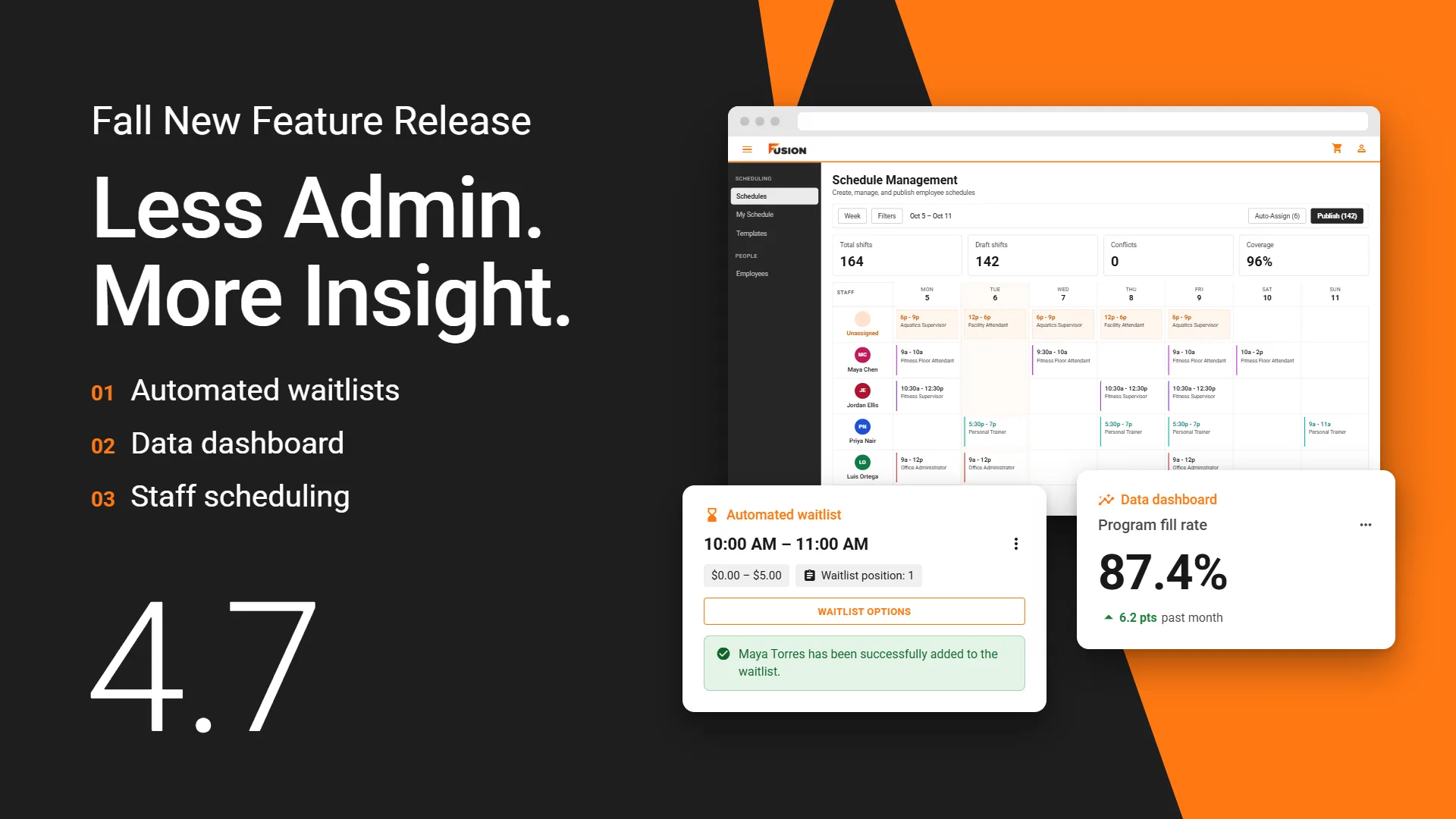
We're excited to introduce Fusion's 4.7 update, our biggest release of the year. Three new capabilities take recurring work off your team’s plate, and the Fusion Desktop Application is noticeably faster in the places your front desk uses most.
See below for how these updates will enhance your users' experience. Schedule your update today!
Click here for full release notes.
New to Fusion
Managed waitlists for Programs by Schedule
Programs by Schedule now support managed waitlists, the same way Programs by Offering always have.
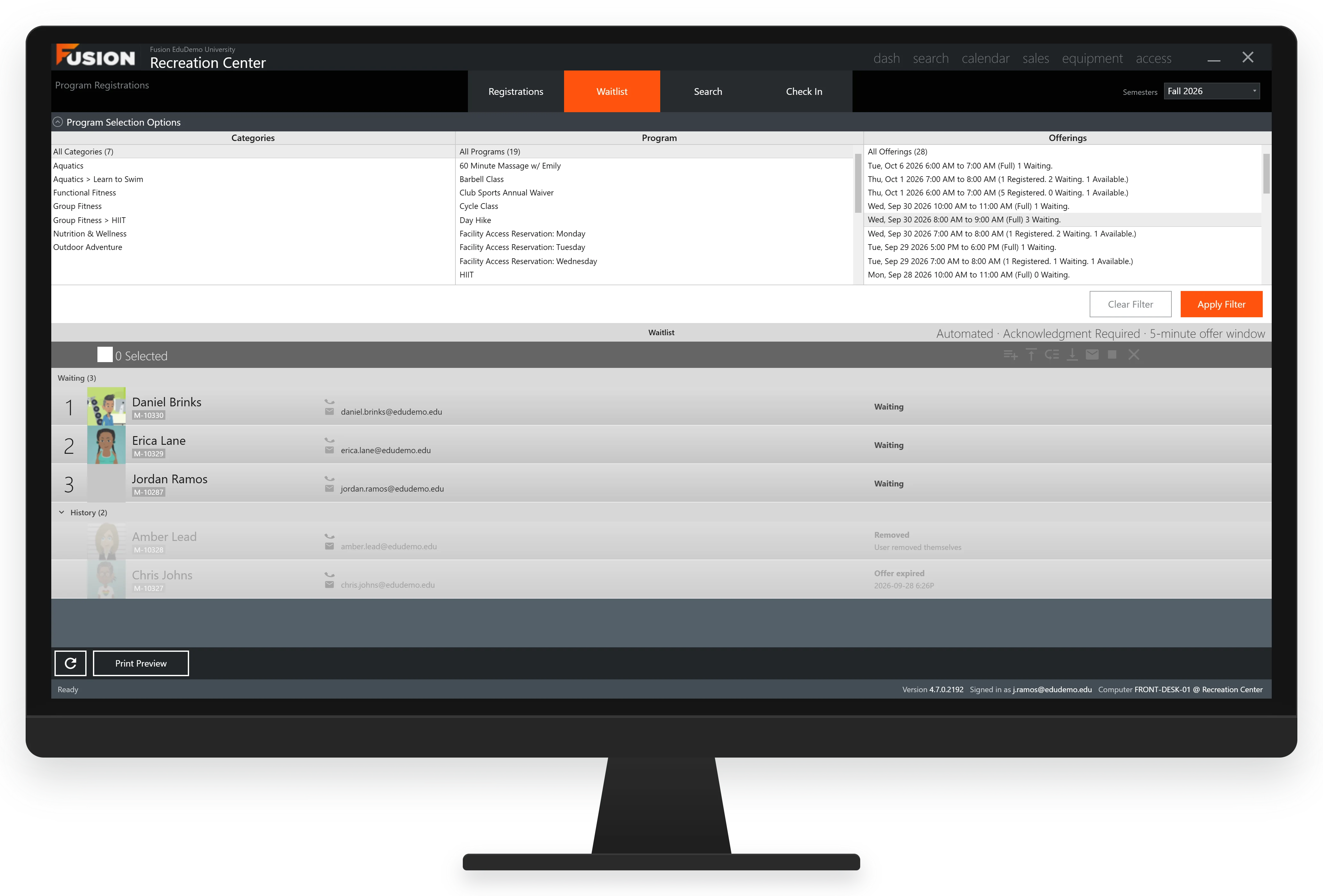
Automated Waitlists
When a spot opens in a full program, Fusion offers it to the next member in the queue by email, with a set window to claim it. If they don't take it, the offer moves to the next person.
Automation will:
- Offer an open spot to the next member in the queue by email
- Give each member a set window to claim it, then move on if it lapses
- Send offers when you increase capacity, not only when someone cancels
- Let you choose when automation stops, so the queue closes cleanly before registration ends
- Hold an offered spot so no one else can claim it while it's pending
Data Dashboard
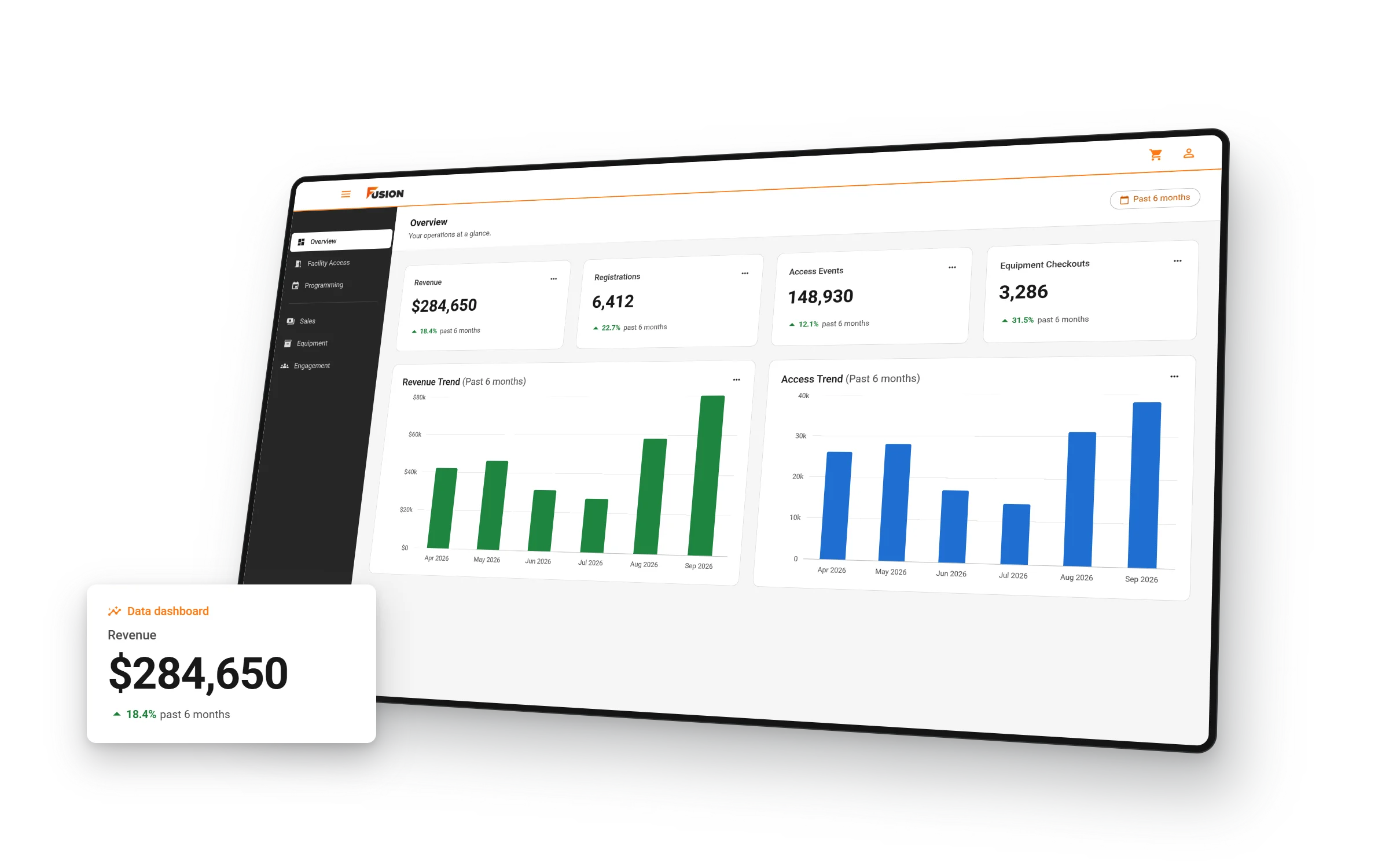
The new Data Dashboard pulls directly from your own data, replacing the third-party dashboard that used to stand between you and your business. It’s faster, your data never leaves Fusion, and we can keep building on it release after release.
At launch, you’ll find:
- Overview: the health of your operation at a glance
- Facility Access: who’s coming in, when, and through which access points
- Programming: registration and participation across your programs
- Permission-controlled access: so you decide exactly which staff see it
Staff Scheduling
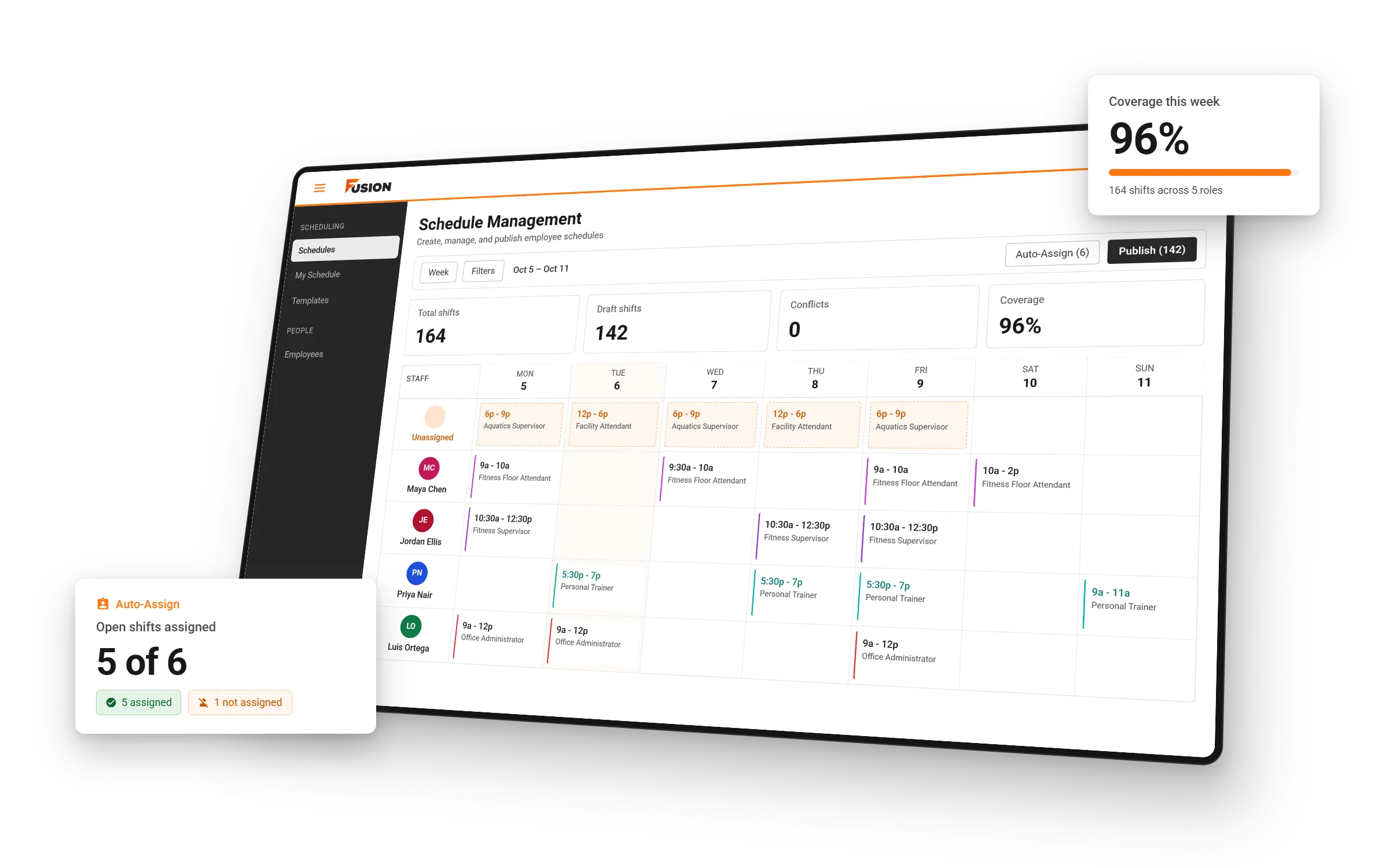
Scheduling your team moves into Fusion. Build staff schedules from reusable templates, publish them to your team, and keep everyone updated automatically when something changes, all in the same ecosystem you already use to run your programming and services.
- Reusable templates, filtered by department and position
- Automatic notifications when a published shift is edited or removed
- An organization-wide setting controlling whether employees can edit their own availability
- A full audit trail of shift assignments, edits, and deletions
- Clear, specific reasons when a shift can’t be automatically assigned
Can we go a little faster?
This release removes the delays your front desk feels most. Point-of-sale checkout, course registration, and membership enrollment now do their work in the background instead of locking the application while they run. It’s the difference between a smooth sale and a line-up at the desk.
Improvements include:
- Point of sale: receipt printing, order finalization, and the Order Lookup window no longer block checkout
- Registration: browsing programs, selecting a semester, and completing a registration are dramatically more responsive
- Membership enrollment: search, selection, terms, and durations no longer lock the window
- Online payments: more general reliability, including payment redirects
- Reporting: more accurate reporting across Class List with Payment, member summaries, and equipment history
- Facilities: now sync to Fusion Club and Fusion Play without needing to be marked available online
Your feedback and dedication to creating a seamless experience for both staff and users have helped shape this release, reflecting our commitment to building a platform that evolves with your needs.
Please continue to share and engage on our feedback portal, as our product team uses this to reach out for clarifications on problems and discuss opportunities we are exploring.
Schedule Your Update
We expect many will be eager to get their hands on the new version. Please bear with our team as they will respond to you as quickly as possible to schedule your update.


